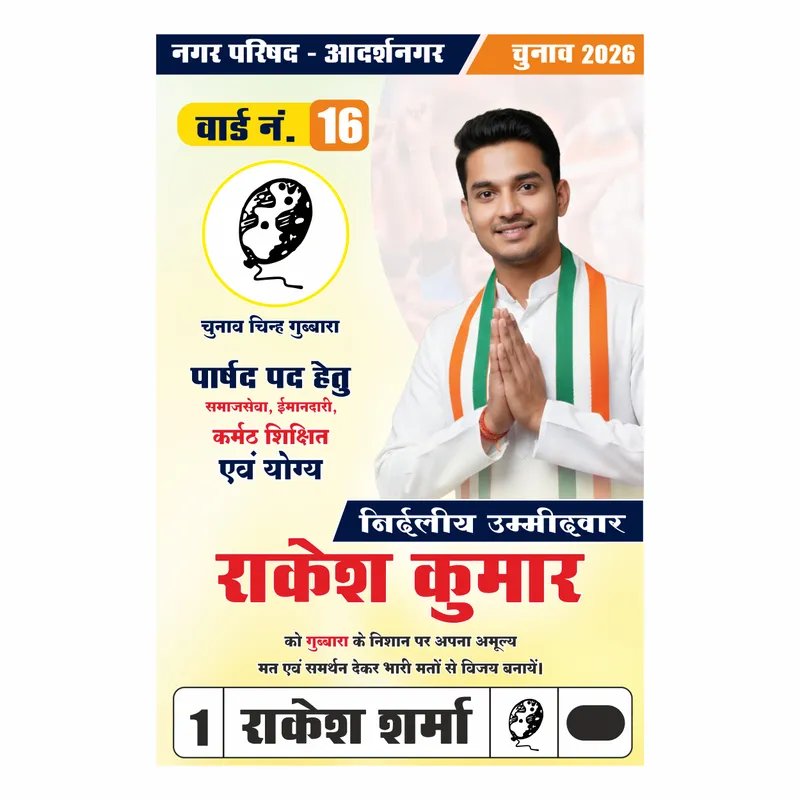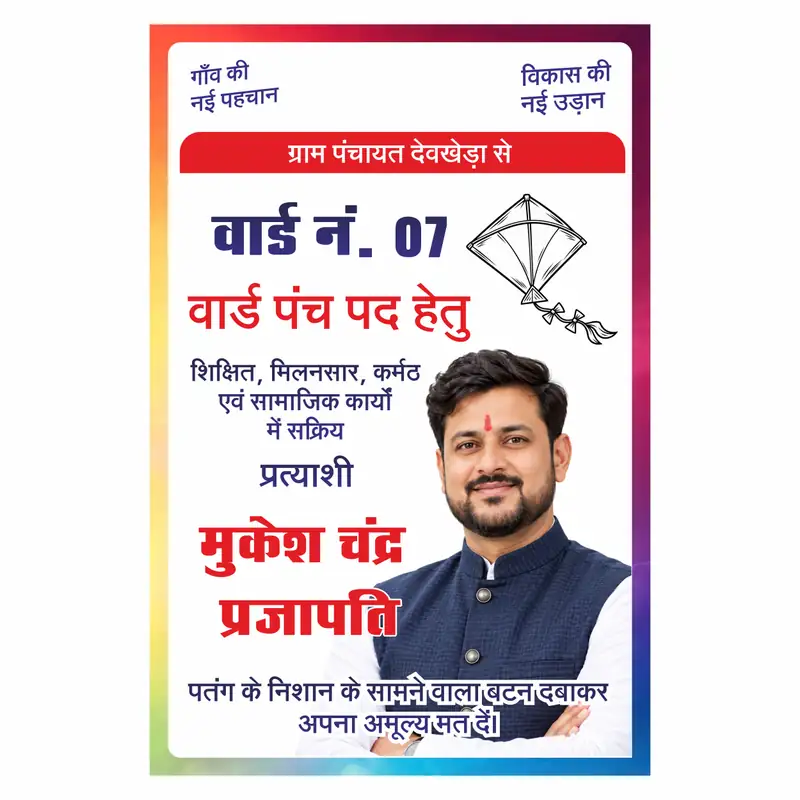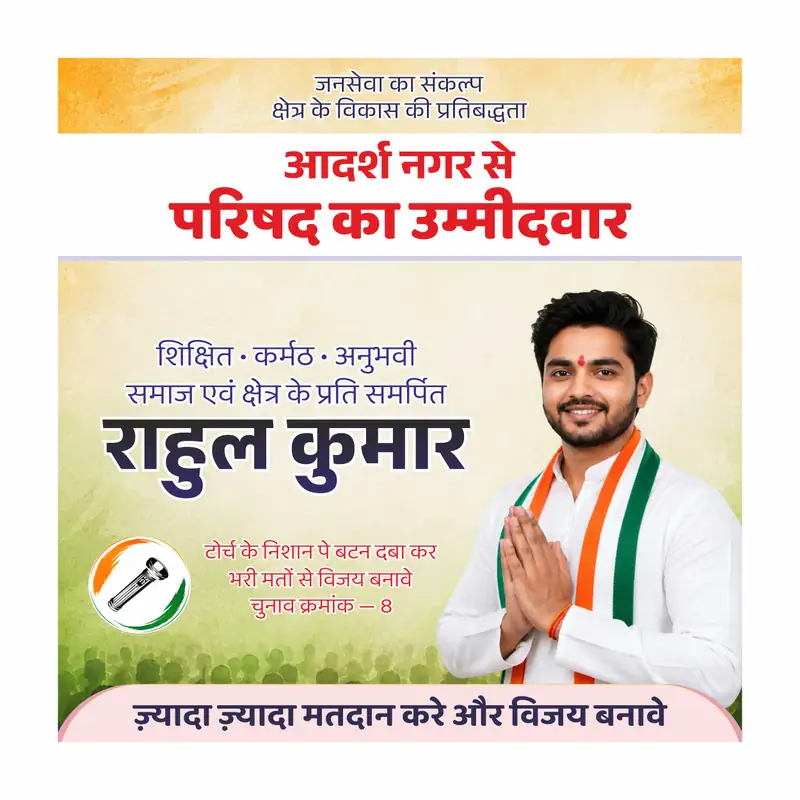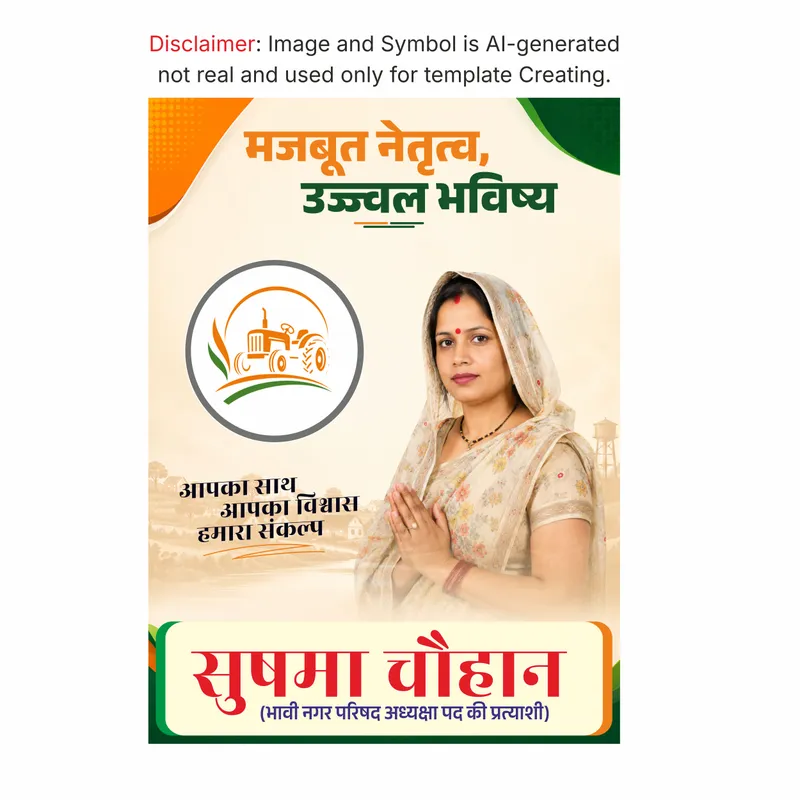
Nagar Parishad ya ward chunav ka poster banana hai — toh design mein ward number, candidate photo, party supporters aur slogan sab kuch clearly dikhna chahiye. Yeh Nagar Parishad Election Poster CDR file mein yeh sab ready hai. Sirf naam, photo aur ward number change karo — kaam khatam.
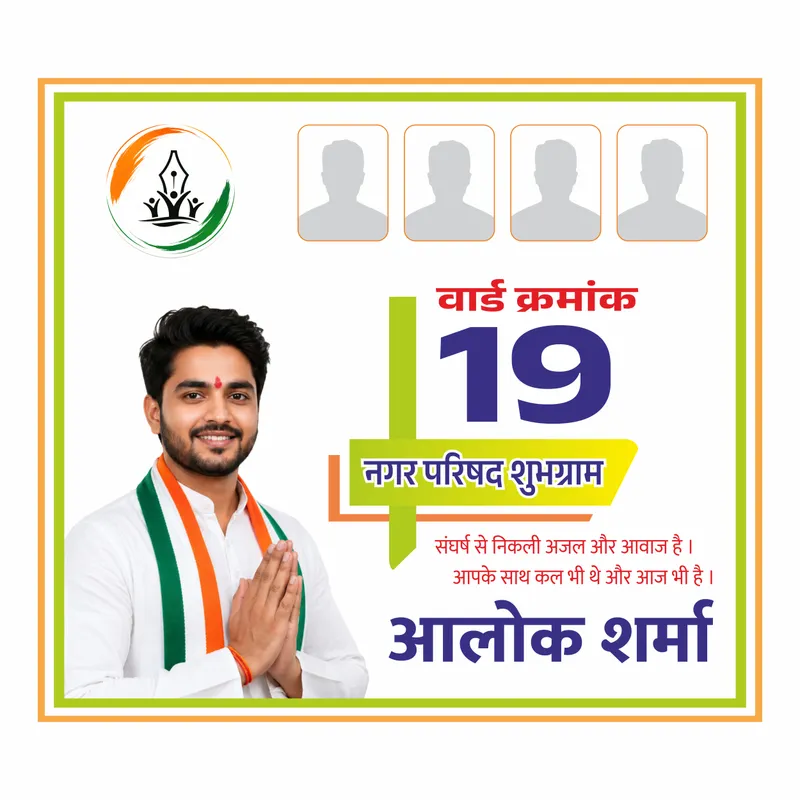
Square format mein design hai — social media aur flex dono pe fit hota hai. Background white hai — clean aur professional. Border mein orange-green tricolor double line frame hai — national feel seedha aata hai. Top left mein party logo placeholder hai — tricolor pen aur haath wala civic election logo styled. Top center mein 4 supporter photo placeholders hain — rounded rectangle frames mein. Left side pe candidate ki photo dominant hai — white kurta, tricolor dupatta, namaskar mudra. Right side pe bold design hai — “वार्ड क्रमांक” red mein, “19” large navy blue mein, green plus cross element between, yellow-orange ribbon mein “नगर परिषद शुभग्राम” — location placeholder. Neeche 2 line slogan hai — “संघर्ष से निकली अजल और आवाज है। आपके साथ कल भी थे और आज भी है।” Bottom mein bold large navy font mein candidate naam — “आलोक शर्मा” — yeh placeholder naam hai.
️ Disclaimer: Is design mein jo candidate ki photo hai woh AI generated image hai — koi real neta, candidate ya public figure nahi hai. Naam bhi placeholder hai — koi real person se sambandh nahi. Yeh sirf ek editable template hai. Apne candidate ki real photo aur unka actual naam CorelDRAW mein replace karo.
Is file mein Unicode Hindi fonts use hue hain — package mein included nahi hain. File open karne pe agar text toota hua dikh raha ho toh CorelDRAW ka font replacement use karo. Mangal, Nirmala UI ya Aparajita — koi bhi Hindi Unicode font select karo, Replace All karo. Folder mein Unicode_Help.txt step-by-step guide hai.
Yeh Exclusive Design hai — sirf Vectonica pe available hai.
Ward Chunav Poster CDR File — Kya Milega
- Ward election poster CDR file — square format
- Tricolor double line border frame
- Party logo placeholder — top left
- 4 supporter photo placeholders — top center
- Candidate photo placeholder — left dominant
- Ward number + location ribbon — right side
- 2 line election slogan — editable
- Bold candidate naam — bottom
- CMYK — flex aur digital printing ready
- Exclusive — sirf Vectonica pe available
File Details
- Format: CDR (CorelDRAW)
- Orientation: Square
- Color Mode: CMYK – print-ready
- Font Type: Unicode Hindi
- Editable: Haan — naam, ward number, location, photo, slogan sab change hota hai
- Compatible: CorelDRAW X7 or above — 2026 tak
- Type: Exclusive Design
Kiske Liye Useful Hai
- Ward member candidates — nagar parishad, nagar palika chunav
- Parshad election ke liye poster banana chahne wale candidates
- Graphic designers jo client ke liye ward election poster banana chahte hain
- Print shops — Rajasthan, UP, MP ke local election poster orders
- Political party workers jo ward level campaign material chahte hain
Practical Use Cases
- Ward 19 ya koi bhi ward number ka election poster print karna
- Nagar Parishad councillor candidate ka square poster banana
- Supporters ki photos ke saath campaign poster design karna
- Social media pe share karne ke liye square format poster
- Client ke liye local election poster order complete karna
Square Format Chunav Poster Mein Kyun Fayda Hai
Portrait poster sirf flex pe lagta hai — square format flex pe bhi lagta hai aur WhatsApp, Facebook pe bhi seedha share hota hai bina crop ke. Is ward chunav poster CDR file mein 4 supporter photos ke placeholder hain — candidate akela nahi lagta, team dikhti hai. Ward number bada aur bold hai — voter seedha samajh jaata hai ki kaunse ward ka poster hai. Party logo ka placeholder alag se rakha gaya hai — koi bhi party ka logo fit ho jaata hai. Print press pe seedha kaam karta hai — PSD ya AI mein convert karne ki zaroorat nahi. CorelDRAW standard software hai Rajasthan aur UP ke print shops mein. Naam, ward number, photo change karo — poster ready.
- Square format — flex aur social media dono pe kaam karta hai
- 4 supporter placeholders — team feel aata hai
- CDR format — print press pe seedha kaam karta hai
- Exclusive — yeh design sirf Vectonica pe milegi
Baaki chunav poster aur sarpanch banner designs
https://vectonica.com/chunav-poster-design-cdr-banner-collection/
Frequently Asked Questions
Q: Yeh ward chunav poster CDR file free hai?
A: Nahi, yeh Exclusive Design hai — Pro Pass ke saath download kar sakte ho.
Q: Is design mein jo candidate ki photo hai — woh real hai?
A: Nahi. Yeh AI generated image hai — koi real neta ya candidate nahi hai. Sirf template ke liye use ki gayi hai. Apne candidate ki actual photo CorelDRAW mein replace karo.
Q: Ward number kaise change karein?
A: CorelDRAW mein “19” text select karo — apna ward number type karo. 10 second ka kaam hai.
Q: 4 supporter photos kaise add karein?
A: Top mein 4 placeholder frames hain — har frame mein apni supporter ki photo import karke replace karo.
Q: File open karne pe Hindi text toota hua dikh raha hai — kya karein?
A: Unicode font issue hai — folder mein Unicode_Help.txt hai, woh pehle padho. CorelDRAW mein “Missing Font” dialog aayega, Mangal ya Nirmala UI select karo, Replace All karo.
Q: Yeh file kis CorelDRAW version mein khulegi?
A: CorelDRAW X7 or above — 2026 tak sabhi versions mein kaam karta hai.
Q: CMYK color mode mein hai kya?
A: Haan. CMYK mein bani hai — flex aur digital printing dono pe colors accurate aayenge.
Q: Kya commercial use ke liye use kar sakte hain?
A: Haan. Print shop owners aur designers apne clients ke liye edit aur print kar sakte hain. Reselling ya redistribution allowed nahi hai