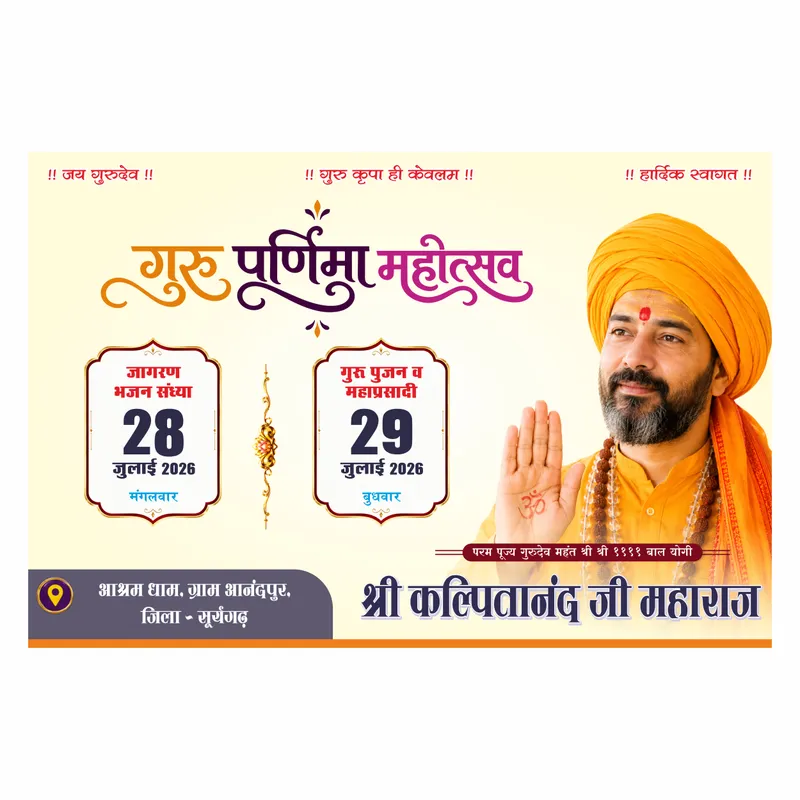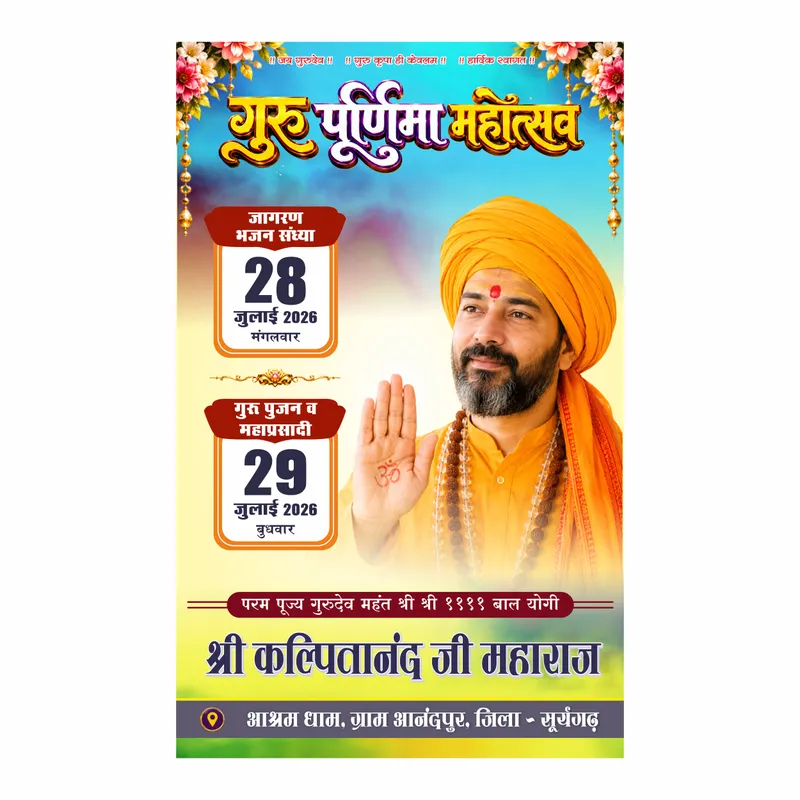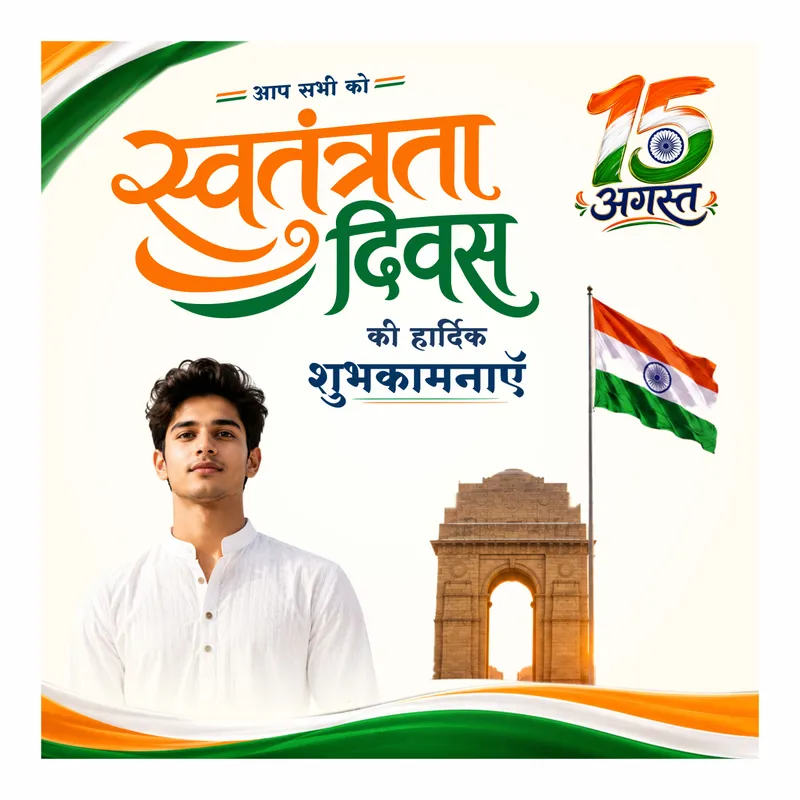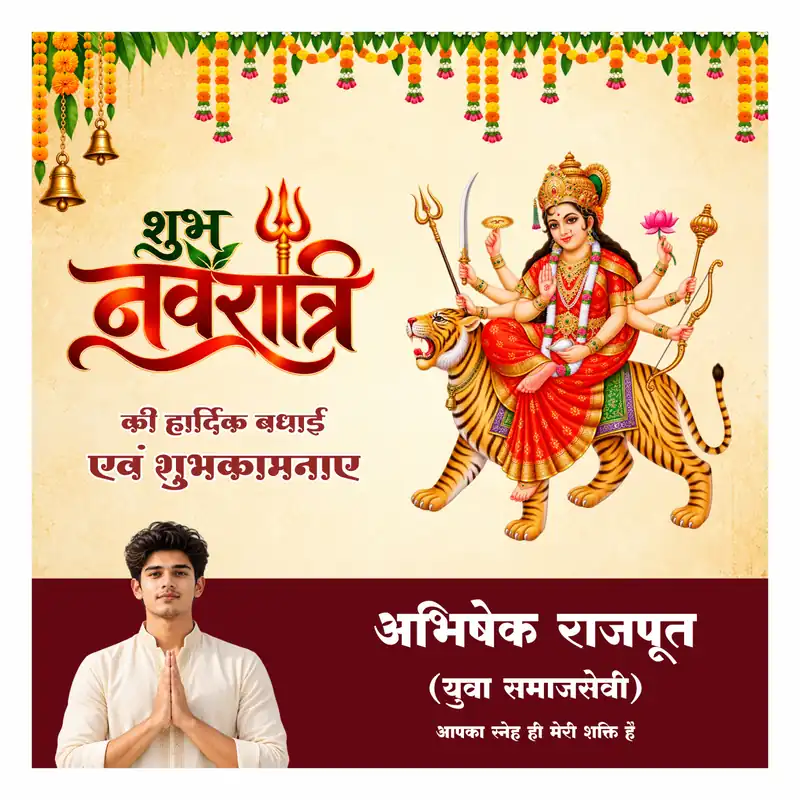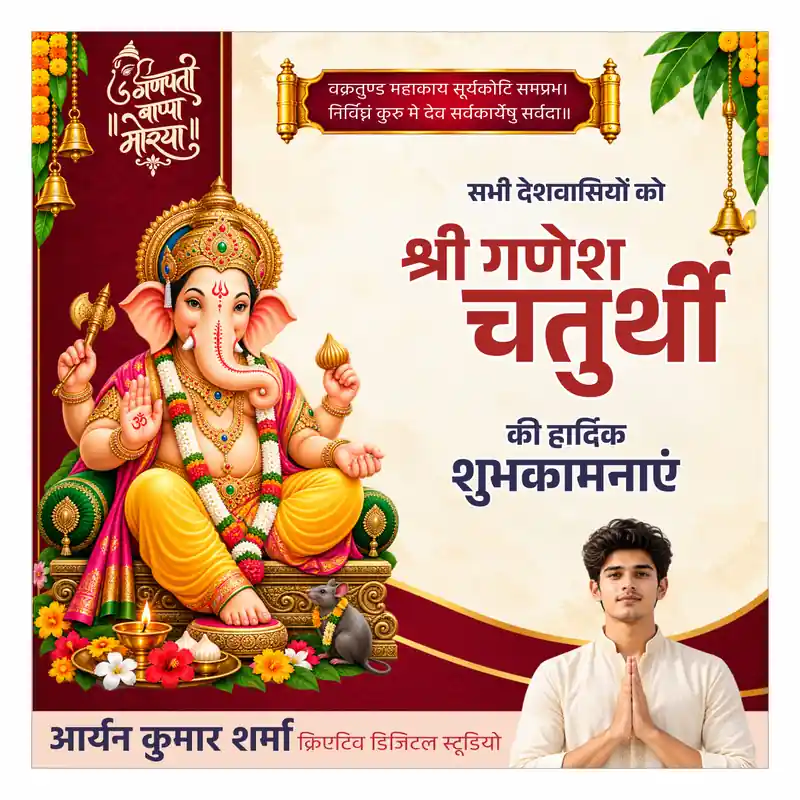
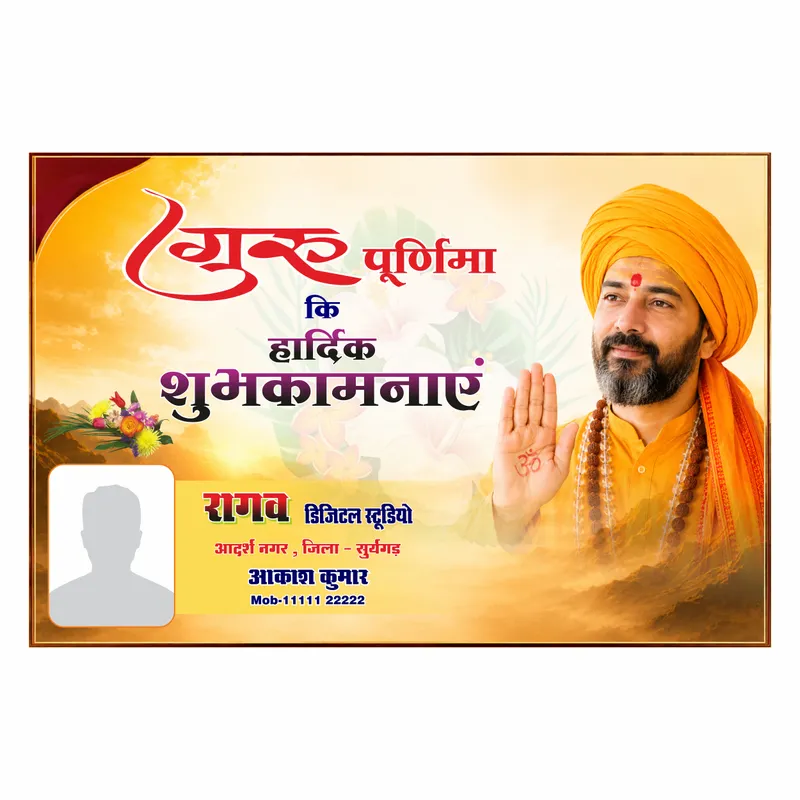
Guru Purnima wishes banner CDR file chahiye jo studio branding ke saath ready ho? Yeh design exactly wahi kaam karta hai. Gurudev image, customer photo placeholder, studio naam, address, aur mobile number — sab kuch CorelDRAW mein editable hai. Sample text “राघव डिजिटल स्टूडियो” aur “आकाश कुमार” placeholder hai, apna khud ka studio detail daal ke direct print pe bhej do.
Design mein golden-yellow gradient background hai — sunrise jaisa warm feel. Top mein “गुरु पूर्णिमा कि हार्दिक शुभकामनाएं” bold red-blue-purple text hai — teen alag colors mein layered heading. Left corner mein decorative flower bouquet hai. Right side mein saffron pagdi wale guruji ki photo dominant hai — ashirwad mudra mein haath uthaya hua, “ॐ” symbol hatheli pe, rudraksha mala gale mein. Neeche left mein white rounded box hai — customer apni khud ki photo daal sakta hai (abhi grey silhouette placeholder hai). Right mein studio branding block hai — studio naam colorful text mein, address line, customer naam, aur mobile number.
️ Disclaimer: Is design mein jo guruji ki photo hai woh stock/generated image hai — koi real sant ya public figure nahi hai. Studio naam, address, customer naam aur number sab placeholder hain. Apna khud ka detail CorelDRAW mein replace karo.
Guru Purnima Wishes Banner CDR Mein Kya Milega
- Guru Purnima wishes banner CDR file — landscape format
- Golden-yellow gradient background with floral elements
- guruji image — ashirwad pose, saffron pagdi
- Customer photo placeholder — rounded white box
- Studio branding block — naam, address, customer naam, mobile number
- 3-color layered heading text — red, blue, purple
- CMYK — direct print ready
File Details
- Format: CDR (CorelDRAW)
- Orientation: Landscape
- Color Mode: CMYK — print-ready
- Font Type: Non-Unicode
- Editable: Haan — studio naam, address, customer naam, number, photo sab change hota hai
- Compatible: CorelDRAW X7 or above — 2026 tak
- Type: Free Download
Kiske Liye Useful Hai
- Photo studio aur digital studio owners
- Graphic designers jo Guru Purnima wishes banner clients ke liye banate hain
- Print shops — Rajasthan, UP, MP ke seasonal festival banner orders
- Religious/ashram groups jo studio-branded wishes card banwana chahte hain
Practical Use Cases
- Studio apna naam aur customer ka naam daal ke wishes banner print karna
- Client ke liye Guru Purnima greeting card order complete karna
- Social media pe studio-branded festival wishes share karna
- Customer ki khud ki photo daal ke personalized banner banana
Guru Purnima Wishes Banner Print Studio Ke Liye Kyun Fayda Hai
Festival season mein studios ko jaldi-jaldi personalized banners chahiye hote hain — is design mein studio branding block already ready hai, sirf naam aur number change karo. Customer photo placeholder alag se diya gaya hai — studio apne customer ki photo daal ke ek personal touch de sakta hai. Print press pe seedha kaam karta hai — PSD ya AI mein convert karne ki zaroorat nahi. CorelDRAW standard software hai Rajasthan aur UP ke print shops mein. Naam, number, photo change karo — banner ready.
- Studio branding block — ready-made
- Customer photo slot — personalization ke liye
- Free — koi cost nahi, seedha download karo
- Golden festive theme — Guru Purnima ke liye perfect
Frequently Asked Questions
Q: Guru Purnima wishes banner CDR file free hai?
A: Haan, yeh Free Download hai — koi cost nahi.
Q: guruji ki photo real hai kya?
A: Nahi, yeh stock/generated image hai — koi real sant ya public figure nahi hai. Sirf design ke liye use ki gayi hai.
Q: Studio naam aur customer naam already fix hai?
A: Nahi, “राघव डिजिटल स्टूडियो” aur “आकाश कुमार” sirf sample hai. CorelDRAW mein text select karke apna detail daal do.
Q: Customer ki apni photo daal sakte hain kya?
A: Haan, left corner mein white rounded box hai — grey placeholder ko apni khud ki photo se replace karo.
Q: Font issue aayega kya?
A: Agar tumhare system mein wahi font installed nahi hai jo design mein use hua hai toh CorelDRAW automatically substitute karega. Apne pasand ka ya client ki requirement wala koi bhi font replace kar sakte ho.
Q: Yeh file kis CorelDRAW version mein khulegi?
A: CorelDRAW X7 or above — 2026 tak sabhi versions mein kaam karta hai.
Q: Kya commercial use ke liye use kar sakte hain?
A: Haan. Print shop owners aur designers apne clients ke liye edit aur print kar sakte hain. Reselling ya redistribution allowed nahi hai.