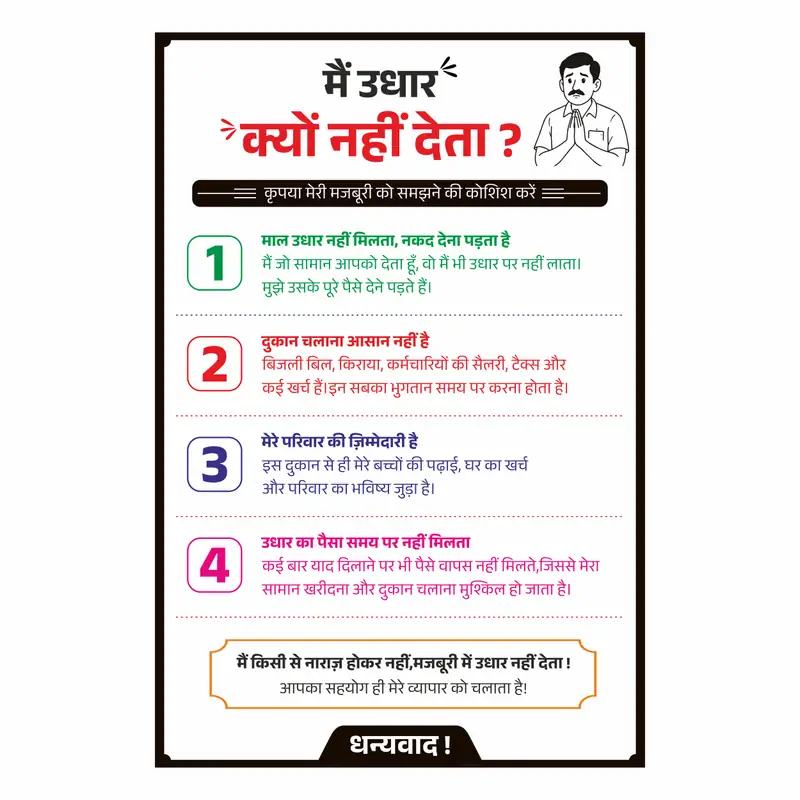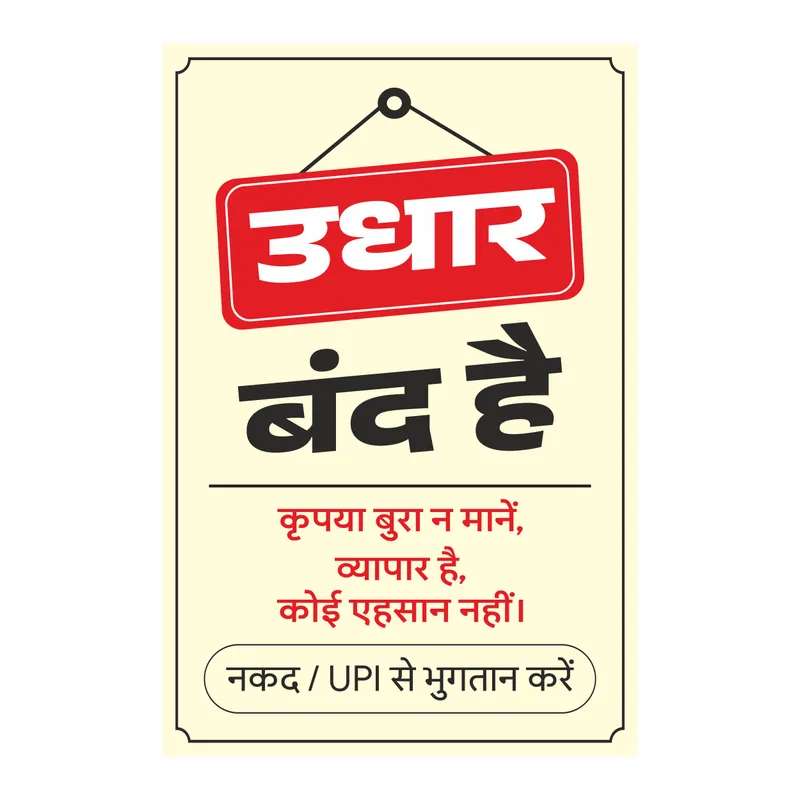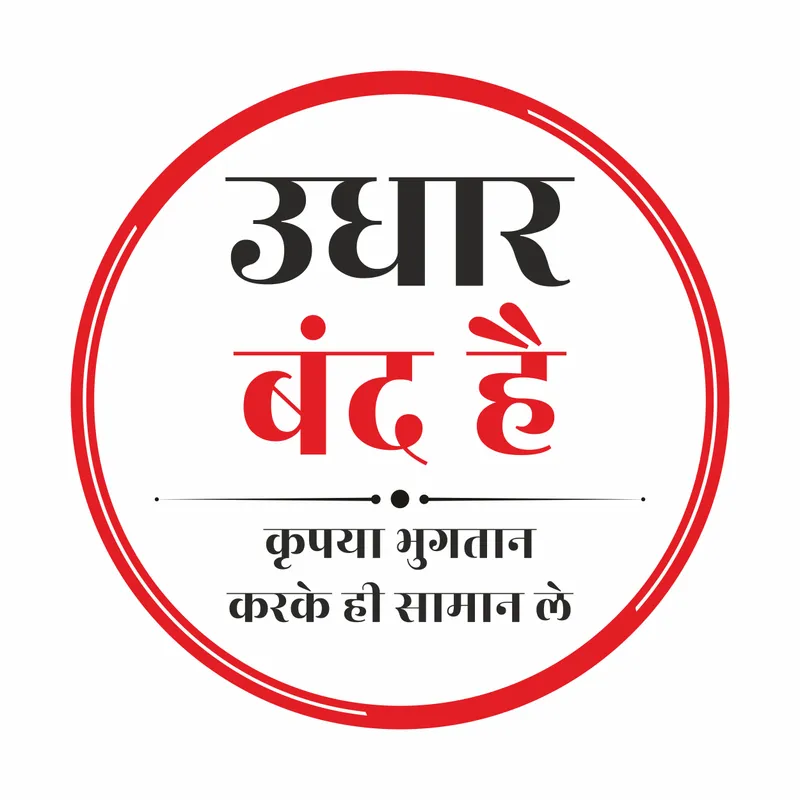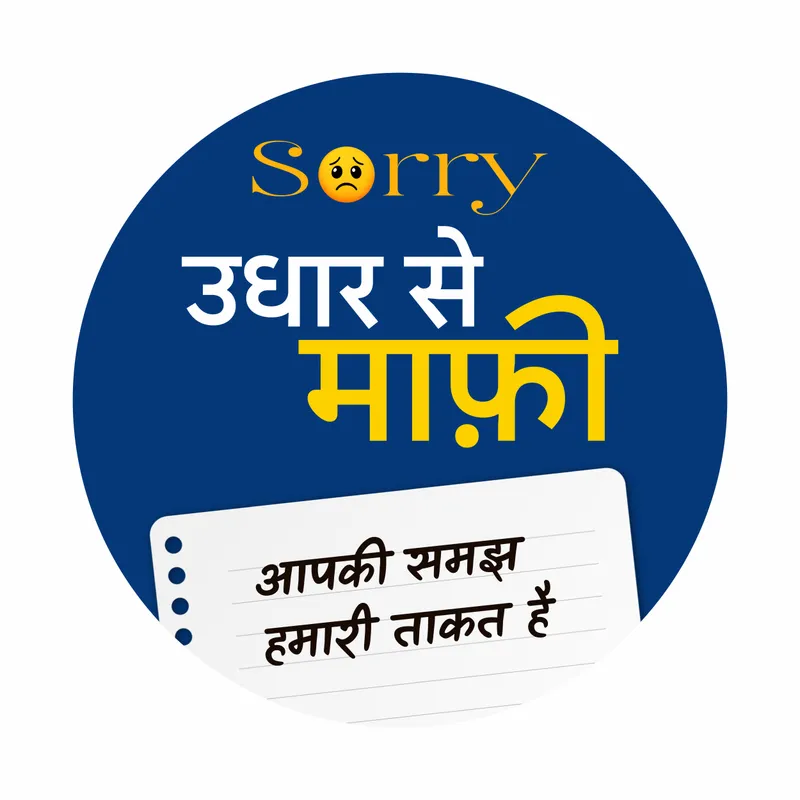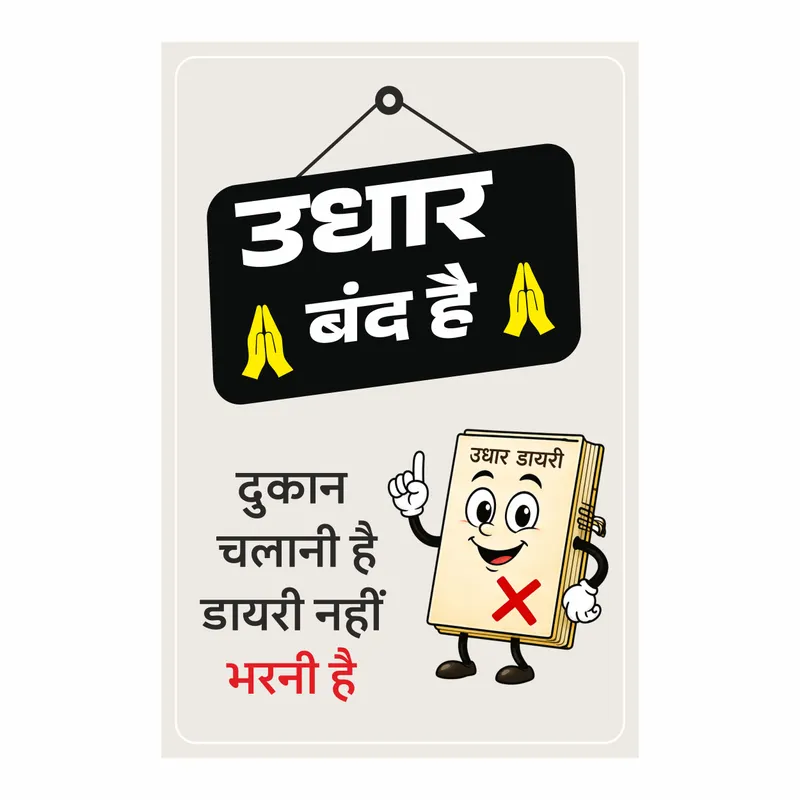

Dukan mein udhar band karna hai — lekin payment lena toh poori tarah chalu hai. Yeh kripya udhar na mange poster CDR file usi message ke liye bani hai. Ek taraf clearly likha hai “Udhar Band Hai” — doosri taraf PhonePe, Google Pay, Paytm aur UPI sab ke green tick ke saath “Poori Tarah Chalu Hai.” Message crystal clear hai — credit nahi, digital payment haan. Counter pe laga do, khud kaam karta rehta hai.
Is UPI accepted here poster CDR mein cream-beige background hai jo clean aur professional look deta hai — kisi bhi shop ke interior mein fit ho jaata hai. Top mein bold red “Udhar Band Hai” typography clearly dominant hai. Niche “Lekin” separator line hai jo design ko do clear parts mein divide karta hai. Phir 4 payment option cards clearly arranged hain — PhonePe, Google Pay, Paytm aur UPI — har ek ke saamne green tick mark clearly visible hai. Yeh phonepe google pay paytm poster format 2026 mein sabse standard digital payment notice design hai jo print shops pe sabse zyada order hota hai. Bottom mein dark red strip mein “Poori Tarah Chalu Hai” bold text clearly placed hai. Poora design ek strong payment notice poster hai — customer ko ek baar dekhne mein hi dono messages clear ho jaate hain.
Yeh digital payment poster CDR 12×18 inch portrait format mein set hai — jo standard sticker printing size hai. CMYK color mode mein set hai toh digital printing pe accurately reproduce hota hai. Lamination ke baad counter pe, billing desk pe ya glass pe seedha laga sakte ho.
Is file mein Unicode Hindi fonts use kiye gaye hain jo package mein included nahi hain. Agar file open karne pe text correctly display nahi ho toh CorelDRAW ka font replacement option use karke apne system ka koi bhi Hindi Unicode font — jaise Mangal, Nirmala UI ya Aparajita — select karo aur Replace All karo. Folder mein diya gaya Unicode_Help.txt file step-by-step guide hai.
Udhar Band Hai UPI Poster CDR – Kya Milega
- Editable UPI payment poster CDR file
- 12×18 inch portrait — standard sticker print size
- Cream-beige background — any shop interior mein fits
- Bold red “Udhar Band Hai” dominant typography
- 4 payment options — PhonePe, Google Pay, Paytm, UPI
- Green tick marks clearly visible on each option
- Dark red “Poori Tarah Chalu Hai” bottom strip
- Kirana, grocery, general store sab ke liye suitable
File Details
- Format: CDR (CorelDRAW)
- Software: CorelDRAW X7 or above
- Color Mode: CMYK
- Font Type: Unicode Hindi
- Size: 12×18 inches (Portrait)
- Use: Sticker / Laminated Print / Counter Display
- Fully Editable: Yes
Ideal For
- Print shops handling UPI payment notice poster orders
- Designers working on shop payment notice CDR projects
- Kirana store, grocery shop, general store counter display
- Medical store, stationary shop, restaurant payment notice
- Print shops in Rajasthan, UP, MP, Haryana, Gujarat
Practical Use Cases
- UPI accepted here poster for shop counter
- Digital payment poster CDR for billing desk display
- Scan and pay poster for retail shop payment notice
- Shop payment notice poster for kirana store
- Online payment poster design for general store
- UPI payment sign board for shop entrance display
Do Messages Ek Poster Mein — Kyun Yeh Design Better Hai
Market mein ya toh sirf “Udhar Band” poster milte hain — ya sirf UPI accepted posters milte hain. Dono alag alag lagane padte hain. Is upi banner CDR file mein dono ek saath hain — udhar band ka message bhi, aur digital payment accepted ka message bhi. Customer ke liye confusion zero hai. Print shop ke liye yeh ek high-demand product hai — har naye digital payment aware shop owner ko yeh chahiye. 12×18 size laminate karke counter pe ya billing desk pe laga do — ek baar setup, saalon kaam. Sirf CDR download karo, print karo, done.
- Udhar band + UPI accepted — dono ek poster mein
- PhonePe Google Pay Paytm UPI — sab covered
- CMYK ready for digital and sticker printing
- Unicode font — folder mein Unicode_Help.txt guide hai
Iske alawa Vectonica pe “Udhar Band Hai” ki poori design collection dekho
Poori Collection Dekhein: https://vectonica.com/udhari-poster-free-cdr-designs-for-shops/
Frequently Asked Questions
Q: File open karne pe Hindi text toota hua dikh raha hai — kya karein?
A: Yeh Unicode font issue hai. Folder mein diya gaya Unicode_Help.txt file open karo aur steps follow karo. CorelDRAW mein “Missing Font” dialog mein Mangal ya Nirmala UI select karo aur Replace All karo.
Q: Kya payment options add ya remove kar sakte hain?
A: Haan — har payment option card alag layer mein hai. Jo option nahi chahiye uski layer hide ya delete karo. Naya option add karna ho toh existing card copy karo aur logo replace karo.
Q: Kya “Udhar Band Hai” text change kar sakte hain?
A: Haan — top text zone alag layer mein hai. Apni dukan ki requirement ke hisaab se customize karo.
Q: 12×18 se alag size mein print kar sakte hain?
A: Haan — design vector based hai. CorelDRAW mein apna required size enter karo aur resize karo — quality loss nahi hoga.
Q: Kaunse CorelDRAW version mein open hogi?
A: CorelDRAW X7 aur usse upar sabhi versions mein — X8, 2019, 2020, 2021, 2022, 2023, 2024, 2026 tak tested hai.